
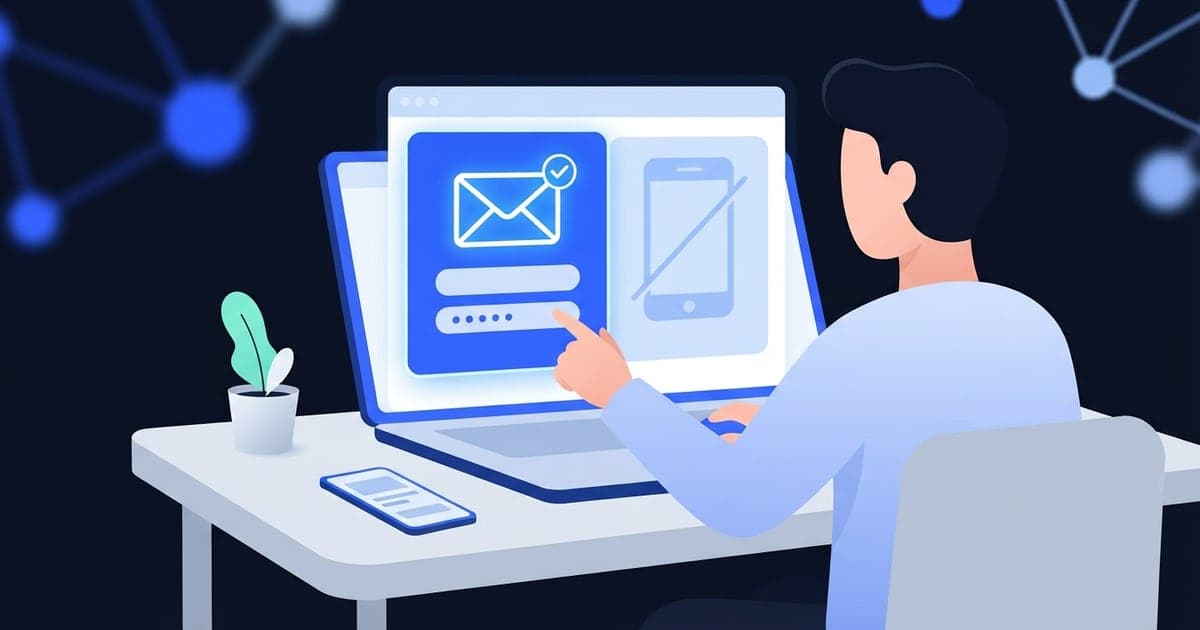
To create an account without a phone number, look on the sign-up form for an email option, a skip link, or a button to sign in with an account you already have. If the site still insists, use a free public number only for throwaway accounts, and your own number for anything you'll need to get back into.
Why sites ask, and when you can't avoid it
A phone number is easy for you to give and hard for spammers to supply by the thousand, so sign-up forms ask for one to slow down fake accounts. Sites also use the number to send login codes and to let you back in when you forget a password.
Plenty of sites treat the number as optional, or only ask for it later: before you post, message people or turn on two-step login. Others won't create the account until a texted code comes back. You can't get past that second kind without giving a number, and trying to dodge a required check usually breaks the site's rules.
That leaves three realistic routes: skip the phone step where the site allows it, give your own number but keep it out of view, or use a temporary number for an account you won't miss. Step 8 covers how to get back in later if you go the temporary route.
Step by step: what to try first
- Look for an email option. Some forms show the phone field first, with a smaller link nearby to use email instead. Read the text around the field before you type anything.
- Look for a skip link. Some phone screens have a "Skip" or "Not now" button.
- Try signing in with an account you already have. If the site offers "Continue with Google" or "Sign in with Apple", it sometimes skips the phone step. If it still asks for a number, treat it like any other required number. You're also tying the new account to the old one, so pick one you'll keep.
- If a number is required, decide how much the account matters. One question settles most cases: will you need to log in on a new phone or reset the password six months from now? Then pick one of steps 5 to 7, using the table below.
- Throwaway account: use a free public number. On freesmsnumbers.com, pick a country, copy a number, paste it into the form and open that number's inbox to read the code. Anyone can open that inbox, so treat the code as public.
- The code shouldn't be public: use an app activation. Activations are paid with credits in the Virtual Number app, and only you can see the code. The number's valid for 20 minutes after activation, so request the code straight away (setup is in the last section).
- An account you'll keep: use your own number. Then cut down who can see it (next section).
- Add a way back in right away. If you used a temporary number, add an email address and save any backup codes the site offers. Those are what you'll recover the account with later.
| The account | Route | What you give up |
|---|---|---|
| A one-off download, coupon or forum post | Free public number | The code sits in a public inbox, which only matters if the account does |
| A one-time private sign-up, like testing a service once | App activation | Credits, and the number may not receive anything after 20 minutes |
| A social or chat account you plan to keep | Your own number, hidden in settings | Some privacy, in exchange for codes that reach you next year |
| Email, banking, work or government | Your own number | Nothing you'd miss |
Keeping your own number but limiting who sees it
Giving a site your number doesn't have to mean other users see it. After you sign up, open the privacy or account settings and look for these:
- Who can see your number. Where there's a choice, set it to only you.
- Find me by phone number. Turn it off if you don't want people who have your number to look you up.
- Contact syncing. Skip the prompt to upload your address book, or switch it off later.
- Marketing texts. Untick the box at sign-up, or unsubscribe from the first promo text you get.
Setting names differ from site to site, and not every site has all four. If spam is what worries you, a second number you keep (a cheap prepaid SIM or eSIM plan) can still take login codes next year, as long as you keep it topped up and active.
What can go wrong, and what to do
The site says the number can't be used. Many sites refuse numbers that look virtual or have signed up lots of accounts. Try another free number or country, then an app activation. If those get refused too, use your own number. What a non-VoIP number is explains why some forms reject virtual numbers.
No code shows up. Press Refresh on the free inbox (on an app activation, tap Check for SMS) and give it a minute before you ask for a new code. A new request may replace the old code, and asking over and over can get you rate-limited. Why verification codes don't arrive covers the other causes.
You skipped the phone step, and the prompt keeps coming back. Some sites ask again when you post, message someone or change a setting. If you can't dismiss it, go back to step 4 and pick a route from the table, rather than abandoning an account you've already set up.
The site asks for a code again weeks later. A new device or a password reset can trigger one. By then an activation number has expired. A free one may be gone, or worse, still listed where anyone can read your reset code. Use the recovery email you added in step 8. How long temporary numbers last has the details.
The app shows "Currently No number available for this operator". No number is free for that country and service right now. Try another country or come back later.
Using Virtual Number when a number is required
The website gives you free public numbers by country, with no sign-up. The country list can look different from one day to the next, so don't plan around a particular number. Each message shows its sender and when it arrived. You can't send texts, take calls or keep a number, and many services block shared numbers.
The Android and iOS apps add paid activations. You sign in with Google or with email and a password, buy credits in the app, and pick a country and a service. The code appears on the activation screen, where only you can see it. Tap Check for SMS to look for it, then Complete Order once it's there. You pay for activations that receive a message.
You can't count on either kind of number receiving a code months later, so leave banking, work, government and your main email on your own SIM. For the bigger picture, see when a temporary number works for verification.
Answered no to the six-months question in step 4? Grab a free number for the code, and remember anyone can read that inbox.