
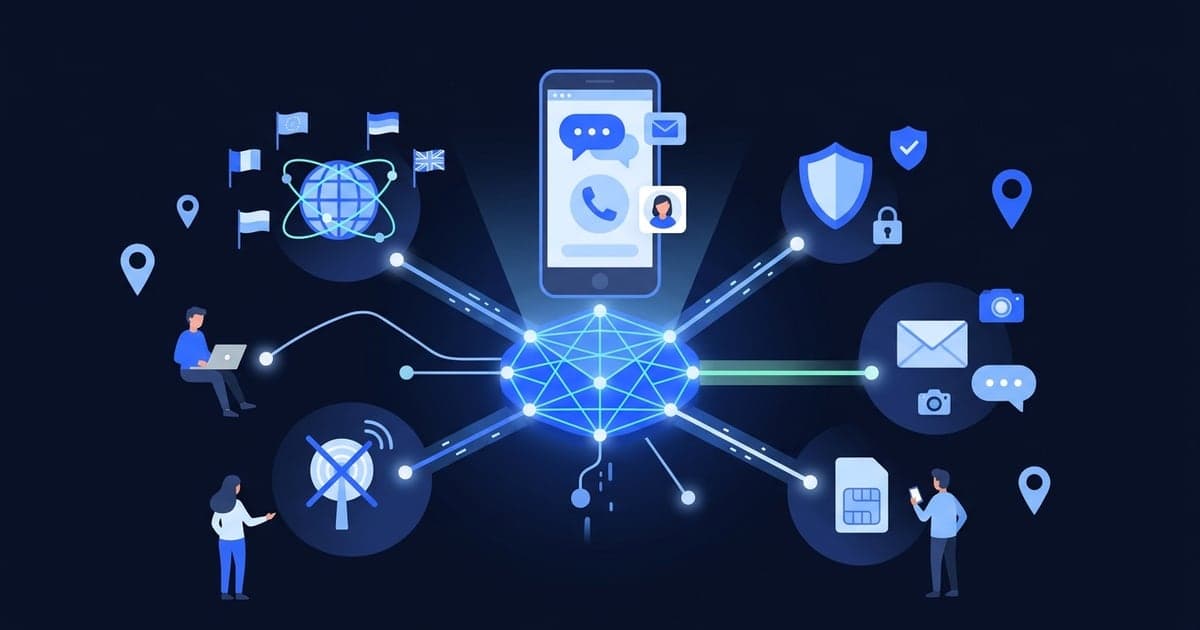
A virtual phone number is a working number that lives with a provider instead of a SIM card in your phone. Calls and texts to it go through the internet, so you pick them up on a website or in an app. People use one to get verification codes, keep a personal number private or run a second line.
The longer answer
Your mobile carrier links your number to the SIM in your phone, so texts only reach that handset. With a virtual number, there's no SIM in your phone for it. The provider receives the message on its own equipment and shows it online, on any device you open.
A virtual number has a normal country code and looks like an ordinary number, though a line-type lookup can often show it's virtual. The bigger differences are who holds it and for how long. Some virtual numbers are shared by anyone who visits a website, some are given to one person for a few minutes, and some are rented for months as a second line.
How a virtual number works
- A provider gets numbers from carriers or wholesale number providers in different countries.
- You pick a number, either from a public list or one assigned to you.
- Someone sends an SMS to that number, such as a sign-up code.
- The provider receives it and shows the message in your browser or app.
Some services only receive texts. Others also send texts or take calls, usually as part of a paid second-line plan.
Behind the scenes, many virtual numbers are VoIP numbers: number databases list them as internet-based lines, not mobile ones. Sign-up systems often look up a number's line type before sending a code, and some refuse VoIP numbers or treat them as higher risk. In the US, "non-fixed" VoIP numbers that aren't tied to a street address are often treated with extra suspicion.
Types of virtual phone numbers
| Type | Who can see the messages | How long you have it | Typical use |
|---|---|---|---|
| Free public number | Anyone who opens its inbox | Until it drops off the list | Quick sign-ups and tests |
| Private one-time number | Only you | Minutes, for one code | A sign-up code you don't want public |
| Second-line number | Only you | As long as you pay | Work or business calls and texts on one phone |
For comparison, your own SIM number stays yours as long as you keep the plan active, which is why banking and account recovery belong there.
The first two are what most people mean by a number to "receive SMS online". Free vs paid virtual numbers goes deeper on how they differ.
What people use them for
- Sign-up codes for apps and sites you're trying once, so your personal number stays off another database. Developers use the same trick to test their own sign-up flows (how to receive SMS online).
- Privacy when listing something on a marketplace or entering a giveaway.
- A local presence, like a number from another country for a business line.
Where they're a poor fit: banking, government services and any account you'll need to recover. They'll text you again at the next login or password reset, long after a short-term number is gone (when a temporary number works).
Common misconceptions
- "Virtual numbers are fake." They're real, routable numbers. A random number from a "fake number generator" is different, because it can't receive anything.
- "A virtual number is the same as an eSIM." An eSIM is a SIM chip built into the phone that downloads a carrier profile. A carrier eSIM gives you an ordinary mobile line, and many travel eSIMs are data-only with no number at all.
- "Every app accepts them." Plenty of sign-up forms run the line-type check described above and reject anything flagged as VoIP.
- "Nobody can trace a virtual number back to me." A virtual number hides your personal number from one form. The service you sign up to still sees your device, connection and whatever you tell it.
Where Virtual Number fits
- Free public numbers on freesmsnumbers.com, by country, with no sign-up. Anyone can open their inboxes, including older messages, so treat every code there as public.
- The list changes, often daily. Pick a country on the free numbers page, copy a number and use Refresh to see new messages.
- Receive-only. You can't send texts or take calls on these numbers.
- Private activations in the app for Android and iOS. Buy credits, pick a country and a service, and get a private number for your activation. Only you can see the code, and the number is valid for 20 minutes.
- No long-term numbers. Neither option is a second line you keep.
Want to see one? Open Virtual Number, pick a free number and press Refresh to see the latest texts.