
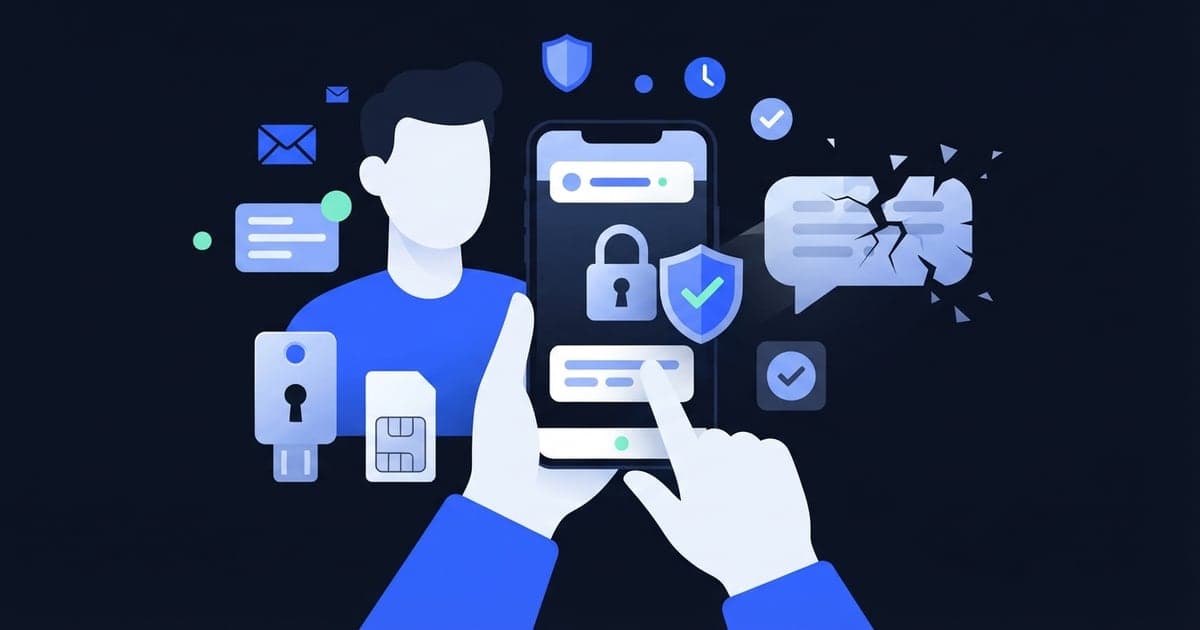
Don't use a virtual number for 2FA on any account you care about. Free receive-SMS numbers, including ours, are public, so anyone can read a login code sent to them. Both free and app activation numbers are temporary, too, so the second factor vanishes with the number. Use your own SIM, an authenticator app or a passkey instead.
What two-factor needs from a phone number
Two-factor authentication (2FA) asks for something besides your password, often when you log in on a new device or from somewhere unusual. If that something is a code sent by text, the phone number becomes part of the lock on your account.
So the number has two jobs. Only you should be able to read what arrives on it, and it has to keep receiving texts for as long as you have the account, which could be years.
A free number from a receive-SMS site fails both. Its inbox is a public page that anyone can open, and the site can stop listing it any day. A paid activation number keeps the code private, but it lasts minutes, not months (20 minutes on Virtual Number), and may not receive anything after that.
Many services also send password resets and account recovery codes to the same number. Once the number's gone, that way back in goes with it.
Your 2FA options side by side
| Second factor | Who can see the code | How long it lasts | Main risk |
|---|---|---|---|
| Free public number | Anyone who opens the inbox | Until it leaves the list, which can happen any day | Strangers read your codes, then the number disappears |
| App activation number | Only you | Minutes (20 on Virtual Number) | Gone before your next login |
| Your own SIM | You | As long as you keep paying for the line | SIM swap, no signal, or a fake login page that asks for the code |
| Authenticator app | Anyone who can get into your phone or its synced account | Until you remove it, or lose the phone without a backup | A lost phone with no backup codes, or a fake login page that asks for the code |
| Passkey or security key | Nobody, as there's no code to read | Until you remove it | Losing every device or key that holds it, or the account that syncs it |
The bottom two rows don't use a phone number for each login at all, which is why they're the usual advice for your main accounts.
Why a free public number adds almost nothing
Text 2FA is meant to stop someone who has your password. Say your password leaks in a data breach. On your own SIM, the attacker still needs a code that only your phone gets. On a public number, the code lands on a page anyone can open, and public number lists are short enough to search.
Code texts often name the service that sent them, too. Because older messages stay in the inbox, anyone browsing it can see which kind of account the number protects.
The password reset is worse. If the service lets you reset by text, a stranger who opens that inbox can take the account without knowing your password, if they can find your account. Our guide to what anyone can see on a free number covers the public inbox in more detail.
Why a 20-minute number doesn't fix it
A private activation number keeps strangers out of your codes, but you can't keep or reserve it, so next month's login code has nowhere to go. See how long each kind of temporary number lasts.
Changing your 2FA settings can need the old number too. A service may ask for a code sent to the current number before it lets you remove it or switch methods. If that number's already gone, you may be left with the service's account recovery process.
Which second factor to pick
Go by what the account offers, strongest first:
- Passkey or security key. Passkeys are stored on your device or synced by your password manager, and they resist fake login pages. If yours lives on one device or a hardware key, register a second one too.
- Authenticator app. The app generates codes on your phone, so no text message is involved at login. Save the backup or recovery codes the service shows you, on paper or in a password manager.
- Your own SIM. If text codes are the only choice, use a number you'll keep for years. Ask your carrier whether it offers an account PIN, a port-out lock or a SIM-change lock, since a SIM swap or a number transfer hands your texts to whoever pulls it off.
- A virtual number. A free or activation number only suits an account you'd be fine losing, and even then an authenticator app is the better pick if it's on offer.
A long-term number rented from a VoIP provider is steadier, but some services refuse VoIP numbers for text codes, and it's only as safe as the account that holds it.
Text codes on your own number still beat having no second factor, and the basics of SMS verification codes explain what they protect and where they fall short.
Already used a temporary number for 2FA?
Fix it while you can still log in. Once the session ends, the code you'd need may go to a number you no longer have.
- Open the account's security settings while you're signed in.
- Add an authenticator app or a passkey, or your own phone number.
- Remove the temporary number from 2FA and from account recovery.
- Save any backup codes the service gives you somewhere you'll find them in a year.
If you're already locked out, look for the service's backup code or account recovery option on the login screen. A new temporary number won't help, because the code goes to the one on file.
Where Virtual Number fits
Virtual Number suits quick sign-ups where you need a code once. Free numbers on freesmsnumbers.com need no sign-up and cost nothing, but they're public, shared and can disappear at any time. They're fine for tests where nothing important is at stake.
App activations (Android and iOS) give you a private number for one service: only you can see the code, and the number is valid for 20 minutes. They help when a free number is blocked or you don't want a sign-up code on a public page.
Neither kind can be kept or rented, and neither takes calls, so a "call me with the code" option won't work either. We don't recommend either one for 2FA, banking, government, work or your main email. For how the two compare on everything else, see free vs paid virtual numbers.
Signing up for something you won't need to log back into? Get a free number and keep your own for the accounts that matter.